Vibe Smart Whiteboard: The Future of Interactive Learning and Collaboration
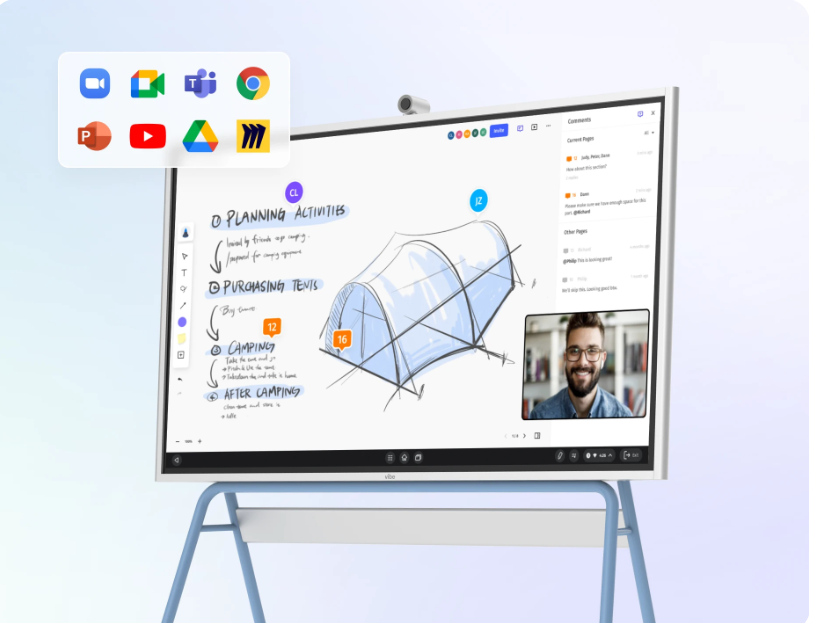
Technology is changing the way we learn, work, communicate, and share ideas. One of the most interesting technologies in this field is the Vibe Smart Whiteboard. It is not just a traditional whiteboard with a digital screen. It is an advanced interactive device designed for classrooms, offices, meetings, presentations, brainstorming, and remote collaboration.
The Vibe Board S1 combines a large interactive touchscreen, digital whiteboarding, cloud collaboration, screen sharing, and conferencing features into one platform. It is available in 55-inch and 75-inch versions and uses a 4K display.
What Is a Vibe Smart Whiteboard?
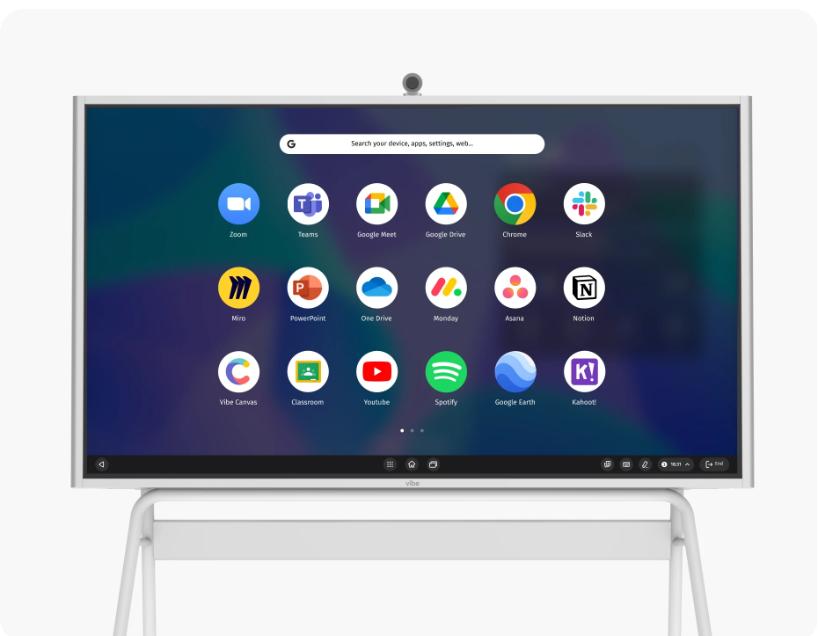
A Vibe Smart Whiteboard can be described as a giant smart touchscreen that works somewhat like a large tablet. Users can write, draw, present information, open applications, and collaborate with other people directly on the screen.
Unlike a traditional whiteboard, the information written on a Vibe Board does not have to disappear when the meeting or class ends. With Vibe’s cloud-based Canvas software, work can be saved and accessed digitally, making it easier to continue projects later.
Powerful 4K Interactive Display
One of the main attractions of the Vibe Board S1 is its large 4K display. The board has a resolution of 3840 x 2160 and supports multi-touch interaction with up to 20 simultaneous touch points. This means several people can interact with the board at the same time.
The touch response is designed to feel natural while writing or drawing. Vibe states that the board has a response time of less than 8 milliseconds, helping users get a more paper-like writing experience.
AI-Powered Handwriting Recognition
Another interesting feature is AI-powered handwriting recognition. Instead of keeping handwritten notes exactly as they are, the system can convert handwriting into clean digital text. It can also help turn rough drawings into more precise shapes.
This can be especially useful during meetings and classes because users can quickly write their thoughts without worrying about formatting everything manually.
Perfect for Online Collaboration
Modern workplaces often have people working from different cities and even different countries. Vibe Smart Whiteboard is designed to make this type of collaboration easier.
Through Vibe Canvas, users can work on the same digital canvas from a Vibe Board, computer, tablet, or smartphone. The content can also be saved to the cloud in real time, allowing team members to continue working on ideas even when they are not physically in the same room.
Useful for Schools and Teachers
The Vibe Smart Whiteboard can also be a powerful tool for education. Teachers can use it to display presentations, videos, images, documents, and other educational materials. They can also write and draw directly on the screen.
Students can participate through their own devices, while lessons and notes can be saved digitally. Vibe also promotes the board for interactive teaching and says that up to four students can whiteboard simultaneously on the board itself.
This can make classrooms more interactive and encourage students to participate rather than simply listen to a lecture.
A New Tool for Business Meetings
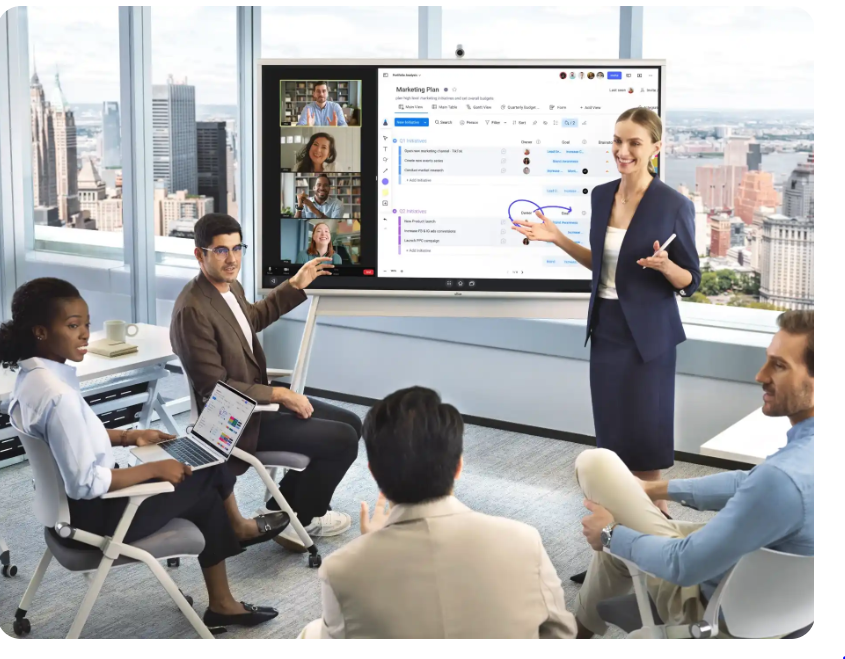
Businesses can use the Vibe Smart Whiteboard for brainstorming, presentations, project planning, and team meetings.
The board supports applications and services such as Microsoft Office and Google Workspace, while Vibe also offers access to a range of other productivity and collaboration apps.
For a business team, this means that a meeting can include presentations, handwritten notes, diagrams, documents, and online collaboration without constantly switching between different devices.
Smart Camera for Hybrid Meetings
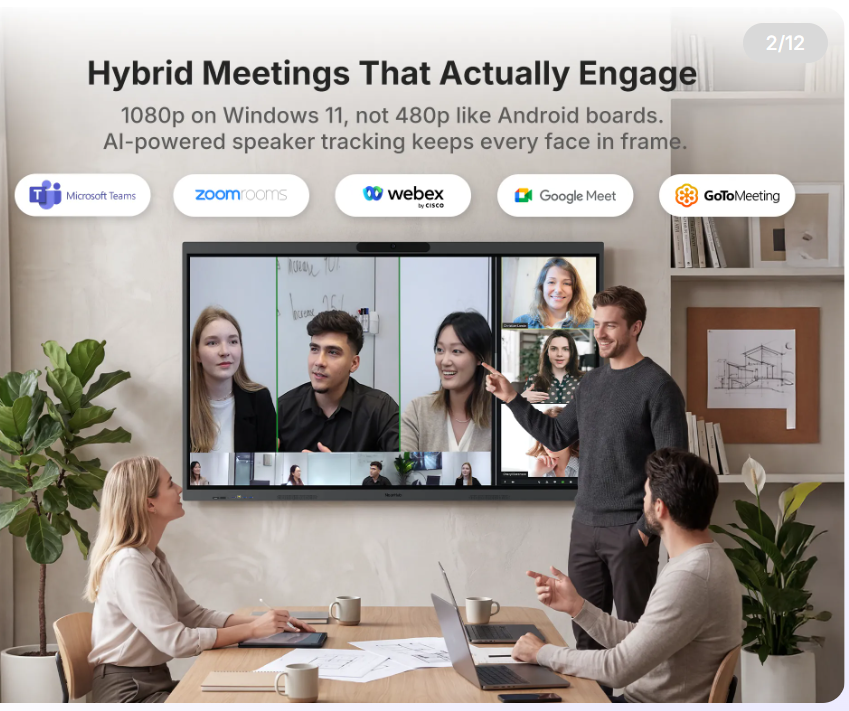
For video conferencing, Vibe offers an optional Smart Camera. The camera has a 4K sensor and six omni-directional microphones. It also includes features such as auto-framing, noise reduction, and echo cancellation.
This can be useful for hybrid meetings where some employees are sitting in the meeting room while others are joining remotely.
Screen Sharing and Presentations
Presentations can also become more interactive with the Vibe Board. Users can connect devices through HDMI or USB-C and can also use wireless methods such as AirPlay and web casting.
A presenter can display a presentation and make notes directly on the screen. For example, a teacher can highlight an important part of a lesson, or a business professional can draw attention to a specific part of a graph during a meeting.
Why Is Vibe Smart Whiteboard Different?
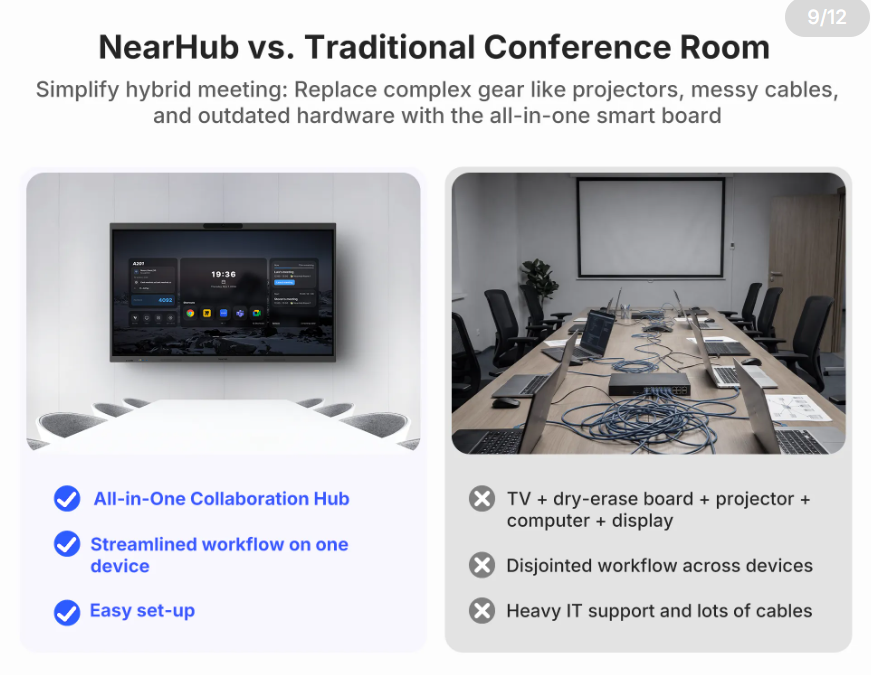
The biggest difference between Vibe Smart Whiteboard and a normal whiteboard is that it combines many tools into one device.
A traditional whiteboard is mainly used for writing and drawing. A Vibe Board can be used for writing, presenting, video conferencing, cloud collaboration, screen sharing, teaching, and accessing digital applications.
In simple words, it transforms a normal wall-mounted whiteboard into a complete digital workspace.
Conclusion
The Vibe Smart Whiteboard represents the next generation of interactive technology. It combines the simplicity of writing on a whiteboard with the power of modern digital tools.
For schools, it can make teaching more interactive. For businesses, it can improve brainstorming and teamwork. For remote teams, it can help people collaborate from different locations.